Calling Line Identification Restriction, usually shortened to CLIR, is a telephony feature that prevents the called party from seeing the caller’s number. Instead of a normal caller ID, the recipient may see labels such as Private, Withheld, Anonymous, or Unavailable, depending on the network, country, handset, and carrier presentation rules.
CLIR is widely used in mobile networks, enterprise telephony, SIP-based calling platforms, and some PSTN interconnection scenarios. It is not just a privacy setting on a phone screen. In most cases, it is a network-supported supplementary service that influences how the originating identity is delivered and whether it is presented to the called user.
In practical deployments, CLIR can be enabled as a permanent service for all outbound calls or used temporarily on a per-call basis. That flexibility makes it useful for businesses, field teams, contact workflows, and individuals who need to control how their number appears during specific outbound calls.
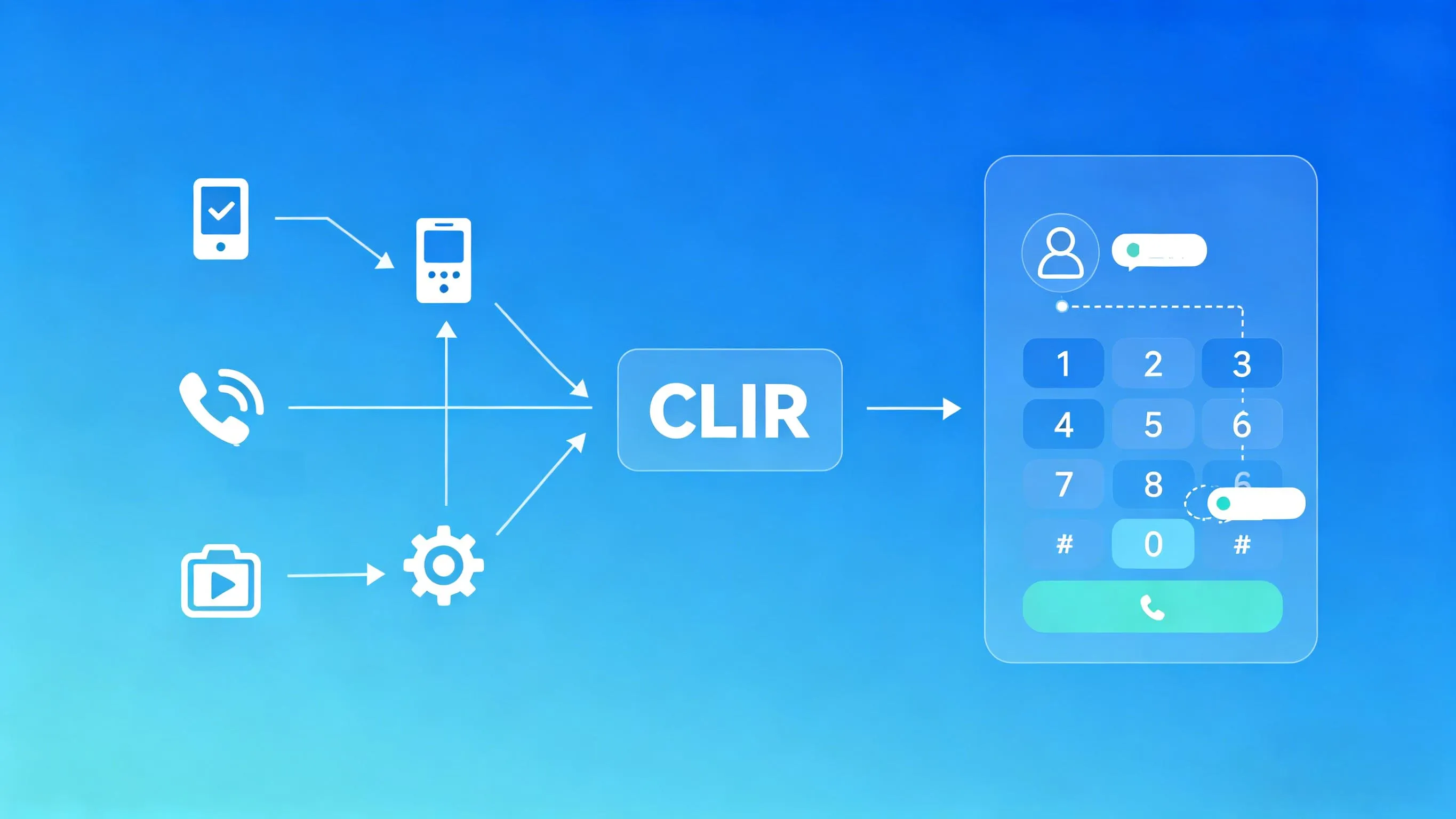
CLIR works by instructing the originating network to restrict presentation of the caller identity to the called party.
What CLIR Means in Telephony
CLIR Is a Caller ID Restriction Service
At a basic level, CLIR tells the network that the caller’s number should not be presented to the destination user. The call can still be completed, but the identity shown at the far end is restricted. This is why CLIR is often described as the opposite-side companion to caller ID presentation services.
In traditional telecom terminology, CLIR belongs to the family of line identification supplementary services. It focuses on presentation control rather than call blocking, call forwarding, or number translation. The key purpose is simple: allow a call to go through while withholding the originating line identity from normal display to the called party.
That distinction matters in system design. CLIR does not necessarily mean the number disappears everywhere in the signaling chain. In many carrier and enterprise environments, the originating identity may still be available inside trusted network elements for routing, billing, logging, fraud prevention, lawful compliance, or interconnect handling.
CLIR vs CLIP: The Difference
CLIR is often confused with CLIP, which stands for Calling Line Identification Presentation. CLIP is the service that allows the called party to receive and display the caller’s number. CLIR is the restriction mechanism that prevents that display under defined service conditions.
In simple terms, CLIP answers the question, “Can the called side see the caller’s number?” CLIR answers, “Should the caller’s number be hidden for this call?” In real networks, both services interact. The final user experience depends on subscription settings, network capability, interworking conditions, and whether the called side has any special override privileges under local operator rules.
CLIR is best understood as presentation control, not complete identity removal. It hides the number from normal caller ID display, but it does not automatically erase all identity handling inside carrier or enterprise signaling domains.
How Calling Line Identification Restriction Works
Network-Level Identity Handling
When a user places a call with CLIR active, the originating side signals that the calling line identity should not be presented to the destination user. The downstream network and terminal then treat the identity as restricted and usually display a generic privacy label instead of the real number.
In many mobile and fixed telecom standards, CLIR can be provisioned in different service modes. One mode applies restriction by default to outbound calls. Another mode allows presentation by default but lets the user request restriction for an individual call. This is why some users can hide their number only occasionally, while others have their number withheld on every outbound call unless they override the default behavior.
Interworking also matters. When calls pass between different networks, carrier domains, SIP trunks, or legacy interconnects, presentation rules may depend on whether the destination side can receive and interpret the appropriate signaling indicators. In some cases, the result shown to the called user may be Unavailable rather than a clean privacy label.
Per-Call vs Permanent CLIR
There are two common operating patterns for CLIR. The first is permanent CLIR, where all outbound calls are sent with caller ID restriction unless the service provider offers a way to suppress that restriction on selected calls. This mode is common when privacy is part of the standard calling policy for a user, role, or service group.
The second is temporary or per-call CLIR. In this case, the default state may be normal caller ID presentation, but the user can invoke caller ID restriction only when needed. This is useful for one-time outreach, rotating agents, temporary callback activity, or privacy-sensitive communication where a user does not want to expose a direct number.
From an operations perspective, permanent CLIR is easier to standardize across groups, while per-call CLIR gives more flexibility but depends on correct user behavior and device support. Enterprises often choose one model or combine both by role, department, trunk policy, or application scenario.
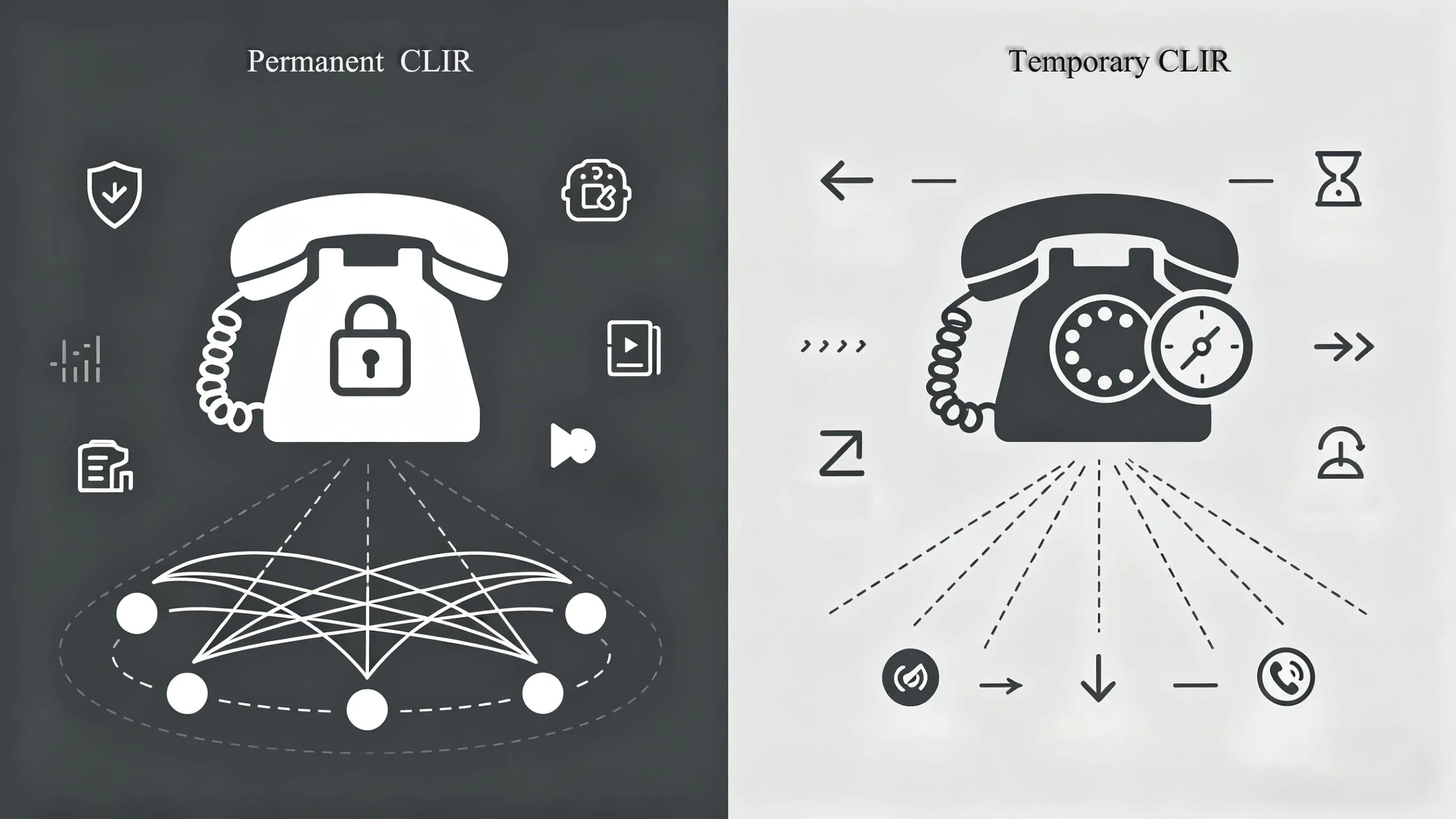
CLIR can be provisioned as a default outbound policy or invoked only for selected calls.
Common CLIR Use Cases
Privacy for Staff, Agents, and Remote Workers
One of the most common CLIR use cases is protecting personal or direct numbers when employees call customers, patients, vendors, or members of the public. Without CLIR, a mobile handset, softphone, or branch extension may reveal a number that the organization does not want to expose for return calls or data privacy reasons.
For example, support teams, field engineers, property managers, delivery coordinators, and temporary project staff may need to place outbound calls from devices that are operationally valid but not intended to become public contact numbers. CLIR helps keep those identities private while still allowing fast communication.
In hybrid work environments, this becomes even more important. Staff may call from mobile devices, UC clients, or SIP endpoints outside the main office. CLIR provides a simple control layer that reduces accidental number exposure when outreach is handled from distributed endpoints.
Role-Based Outbound Calling
Many organizations do not want callers to return a call to an individual extension or handset. Instead, they want customers to call a published switchboard, queue, hotline, or service desk. CLIR supports that model by preventing the user’s direct number from appearing to the called party.
This is especially useful in healthcare, social services, legal support, public safety coordination, complaint handling, debt recovery, and sensitive case management. In these environments, staff often need to make outbound contact while keeping the return path controlled through a formal communication channel.
Some businesses combine CLIR with number masking, outbound caller ID replacement, or main-number presentation. In that design, CLIR may be used for selected calls, while normal business calls present a pilot number, DID, or service line through the PBX or trunk provider.
Temporary Outreach and One-Off Callback Scenarios
CLIR is also useful when a call is situational rather than part of an ongoing contact relationship. Examples include confirming an appointment, returning an inquiry from a shared service pool, verifying a delivery, contacting a site contractor, or making a short-lived callback from a rotating duty device.
In these cases, there may be no benefit in exposing the direct line identity. The call only needs to connect once, and any further contact should flow through a published business route. CLIR supports that pattern without requiring the caller to change endpoints or provision a new number for every temporary interaction.
In enterprise calling design, CLIR is often most valuable when privacy, process control, and return-call routing need to work together.
CLIR in Mobile, PBX, and SIP Environments
Mobile Network Configuration
On mobile services, CLIR is typically controlled by a combination of carrier provisioning and handset settings. Some operators allow users to hide caller ID directly from the phone app settings, while others require the carrier to enable or support the feature before the option will work correctly.
Users may also encounter per-call prefixes or service codes, but these vary by country and operator. Because there is no single universal format across all networks, the safest approach is to confirm the exact CLIR activation method with the carrier or service provider before documenting a rollout procedure for users.
For enterprise mobility programs, administrators should test CLIR behavior across the actual operator, SIM profile, dial plan, and destination types used by the business. A setting that works for mobile-to-mobile calls may not behave identically for international calls, PBX breakout routes, or cross-network interconnect scenarios.
PBX and UC Platform Configuration
In PBX, IP PBX, and UC platforms, CLIR behavior is usually part of outbound calling policy. Administrators may configure caller ID presentation rules on the extension, user profile, route pattern, trunk, or class-of-service layer. Some systems support explicit privacy settings per endpoint, while others rely on outbound route logic or carrier-side treatment.
A common enterprise requirement is to apply CLIR only to certain users or certain dialed destinations. For example, executives, investigators, medical teams, or complaint-handling staff may need restricted presentation, while reception, sales, and standard service desks should present a published business number.
Good PBX design also considers failover and consistency. If calls can leave the system through multiple carriers or gateways, CLIR policy should be aligned across all egress paths. Otherwise, a user may appear private on one route and exposed on another, creating inconsistent privacy outcomes.
SIP Trunks, SBCs, and Header Privacy
In SIP environments, CLIR-related behavior is commonly linked to how identity and privacy information are signaled between the PBX, SBC, and trunk provider. Depending on the architecture, privacy may involve treatment of the From identity, privacy indicators, or trusted-network identity headers used within the service domain.
That means CLIR in SIP is not just a user-facing button. It is also a signaling and interoperability issue. The PBX, SBC, and carrier must agree on how privacy requests are expressed and how public presentation should be restricted while trusted network elements still retain enough identity information for routing and service control.
For this reason, CLIR testing on SIP trunks should always include packet capture review, provider interop confirmation, and end-to-end validation at real called destinations. A platform may generate a privacy request correctly, but the final result still depends on trunk policy, normalization rules, and the destination network’s handling.
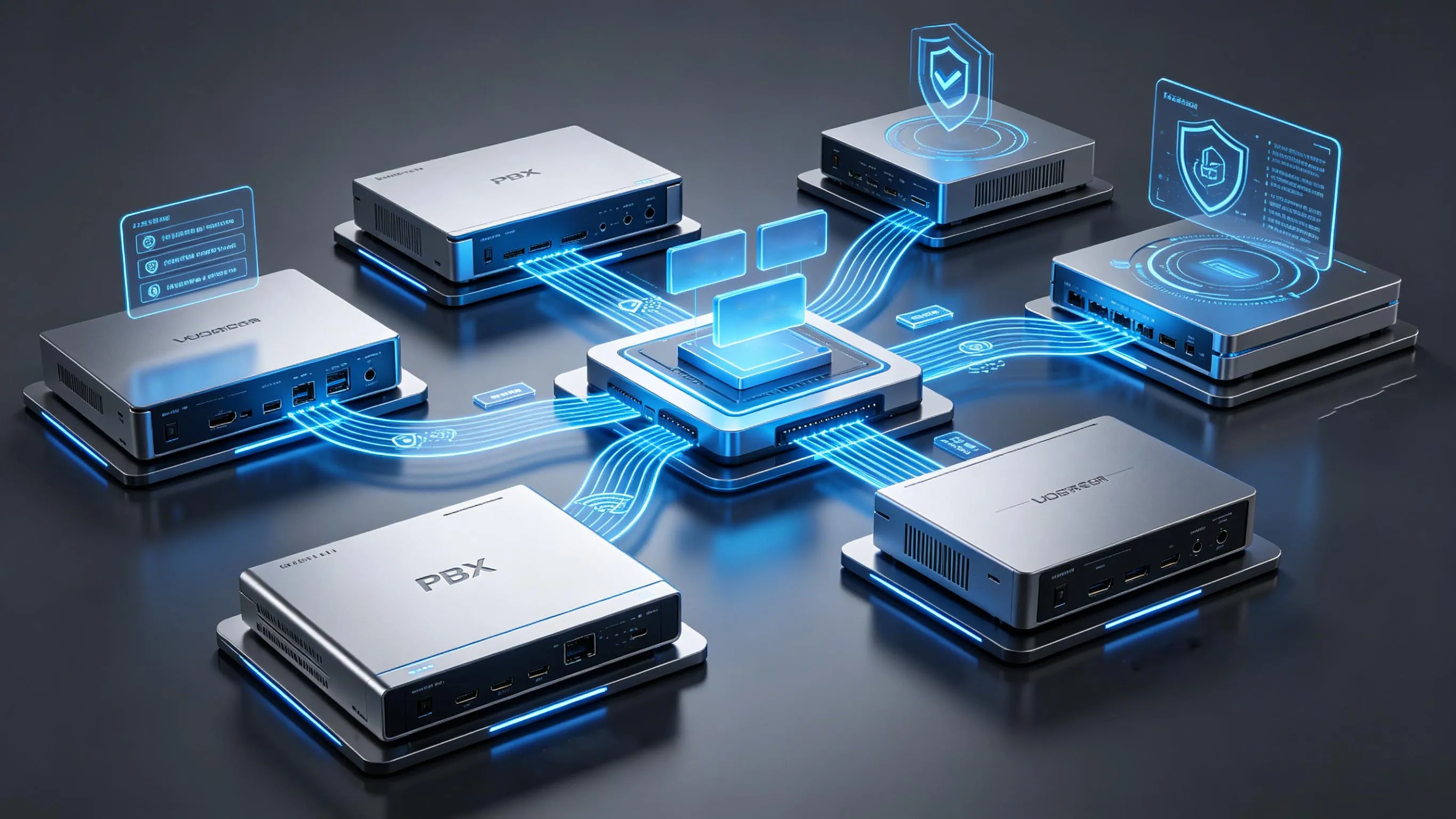
In SIP deployments, CLIR depends on correct signaling, trunk policy, and interworking across trusted network elements.
How to Configure CLIR
Step 1: Confirm Service Availability
The first step is to verify that CLIR is available on the network or service plan being used. In mobile environments, the option may depend on carrier policy. In enterprise telephony, the PBX may support privacy settings, but the carrier or SIP provider still needs to honor the restriction request for outbound calls.
Before enabling CLIR widely, confirm the expected behavior for local, long-distance, international, emergency, and inter-network calls. Also verify whether the service is configured as permanent restriction, default presentation with per-call restriction, or another provider-specific variation.
Step 2: Decide the Policy Model
Next, define whether CLIR should be permanent, optional, or role-based. A permanent model is appropriate when a department must keep all direct identities private. An optional model works better when users only occasionally need to hide their number. A role-based model is often the best fit for enterprises because it aligns privacy behavior with job function.
At this stage, it is also useful to decide what should happen instead of the user’s direct number. Some organizations want fully private presentation. Others want outbound calls to show a main office number, queue number, hotline DID, or branded business CLI. That decision affects whether CLIR alone is enough or whether number masking and outbound caller ID presentation rules should also be configured.
Step 3: Apply Configuration on the Right Layer
After the policy is defined, apply the setting at the correct operational layer. For mobile users, this may be the handset plus carrier provisioning. For a PBX, it may be the extension class, route pattern, or trunk rule. For SIP deployments, it may also include SBC normalization or privacy-header handling.
Whenever possible, avoid mixing multiple uncontrolled privacy mechanisms. For example, do not rely on a handset privacy toggle, a PBX privacy rule, and a carrier privacy policy without understanding which one takes precedence. Clean design usually means selecting one authoritative control point and validating that the downstream network respects it.
Step 4: Test Real Outcomes
Testing should cover more than a single call between two internal devices. Place calls to mobile networks, landlines, different carriers, international destinations if relevant, and any regulated or high-priority call types used by the business. Observe not only whether the number is hidden, but also what the called side actually sees.
It is also important to test exception behavior. Some destinations may reject anonymous calls. Some call centers may deprioritize them. Some emergency or regulated environments may apply different identity handling rules. Good CLIR validation therefore checks call completion, user display, logs, and service records together.
Important Limitations and Considerations
CLIR Does Not Mean Full Anonymity Everywhere
CLIR is about restricting presentation to the called party. It does not automatically guarantee that the number is absent from all network records, trusted headers, billing systems, compliance logs, or internal enterprise traces. In other words, CLIR is a presentation privacy feature, not a promise of total invisibility inside the communications chain.
This matters for compliance planning and user training. Teams should understand that CLIR hides the number from normal recipient display, but it does not replace broader privacy, legal, or security controls. Organizations should still define retention, audit, lawful disclosure, and support procedures according to their regulatory environment.
Some Calls May Still Be Treated Differently
Not every destination handles anonymous calls in the same way. Some users ignore or block private-number calls. Some enterprise systems screen or reject withheld caller IDs. Some operator policies or special service categories can override or alter standard presentation behavior. Interworking with legacy networks may also change how the final display appears.
Because of that, CLIR should be treated as a policy tool, not as a universal calling guarantee. If high answer rates are more important than privacy, presenting a controlled business callback number may be a better strategy than withholding caller ID entirely.
The best CLIR deployments balance privacy with answer-rate objectives, regulatory obligations, and the need for trusted return-call routes.
Best Practices for Enterprise Deployment
Match CLIR to Business Process
Do not enable CLIR simply because the feature exists. Use it where it supports a clear process need, such as protecting staff identities, preventing direct callback leakage, or keeping case-related communications within a formal contact channel. A documented reason makes rollout, training, and support much easier.
It is also wise to define which departments should never use CLIR. Sales outreach, public support lines, and customer-facing service desks often benefit more from presenting a recognizable business number than from hiding caller identity. The right policy is usually selective rather than universal.
Combine Privacy Control with Published Return Paths
If users are expected to receive return calls, the organization should provide an approved alternative path such as a main switchboard, service queue, IVR entry point, or department hotline. Otherwise, CLIR can improve privacy but reduce callback efficiency and customer continuity.
In mature telephony designs, CLIR is often part of a broader outbound identity strategy that includes DIDs, main-number presentation, hunt groups, queue callbacks, CRM-linked click-to-call, and policy-based routing. That approach gives the business more control than a simple hide-number toggle.
FAQ
Is CLIR the same as blocking a number?
No. CLIR hides the caller’s number from normal presentation to the called party. It does not block the call itself, and it is different from blacklisting, call barring, or spam filtering.
Can CLIR be enabled only for one call?
Yes, in many networks CLIR can be used on a per-call basis when the service is provisioned in a temporary or user-invoked mode. The exact method depends on the carrier, device, and platform configuration.
Can a PBX or SIP trunk support CLIR?
Yes. Many PBX, UC, SBC, and SIP trunk environments support caller ID restriction, but the final result depends on end-to-end signaling, trunk policy, and carrier interworking. Testing with real destinations is essential.
Does CLIR guarantee complete anonymity?
No. CLIR restricts caller ID presentation to the called user. It does not necessarily remove the identity from trusted network elements, logs, billing records, or lawful compliance processes.
Why do some private-number calls still fail or get ignored?
Some recipients, carriers, or enterprise systems block or deprioritize anonymous calls. In those cases, presenting a controlled business number may be a better operational choice than withholding caller ID.