Introduction
Overview
Access control/intercom systems can link with third-party IP cameras on the local area network. During a call with the remote party, the remote end can hear the audio from the access control/intercom and view the video from the linked camera simultaneously. This document describes how to connect Fanvil access control and intercom devices with third-party IP cameras.
Applicable Models
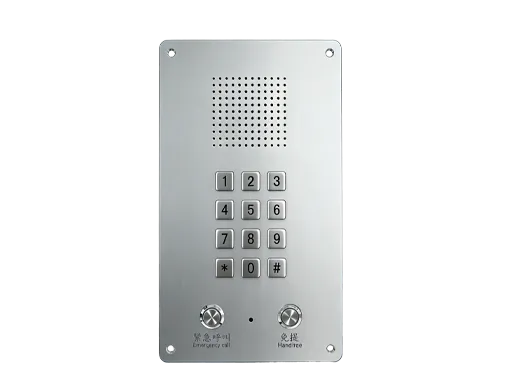
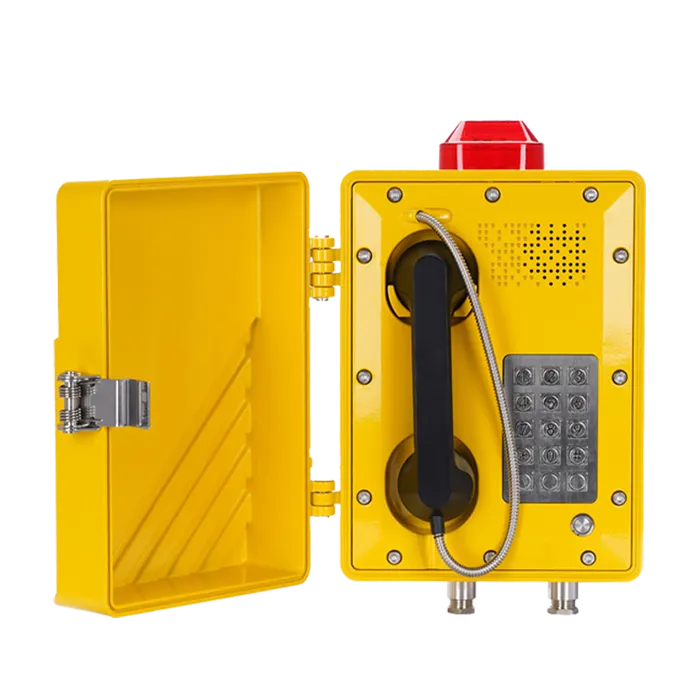
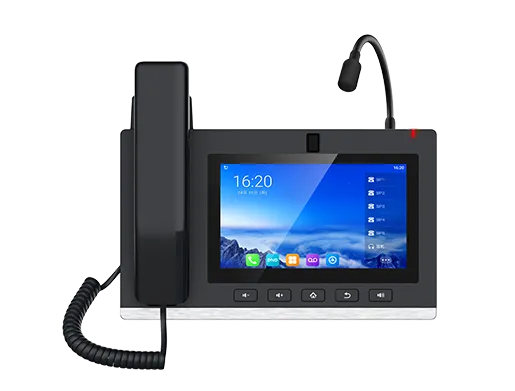
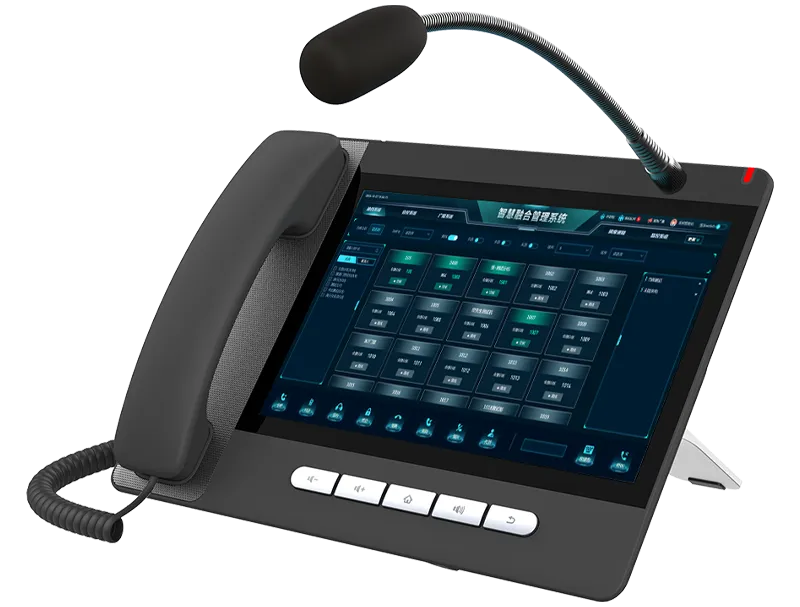
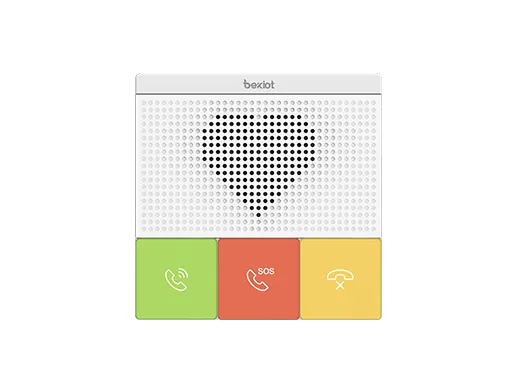
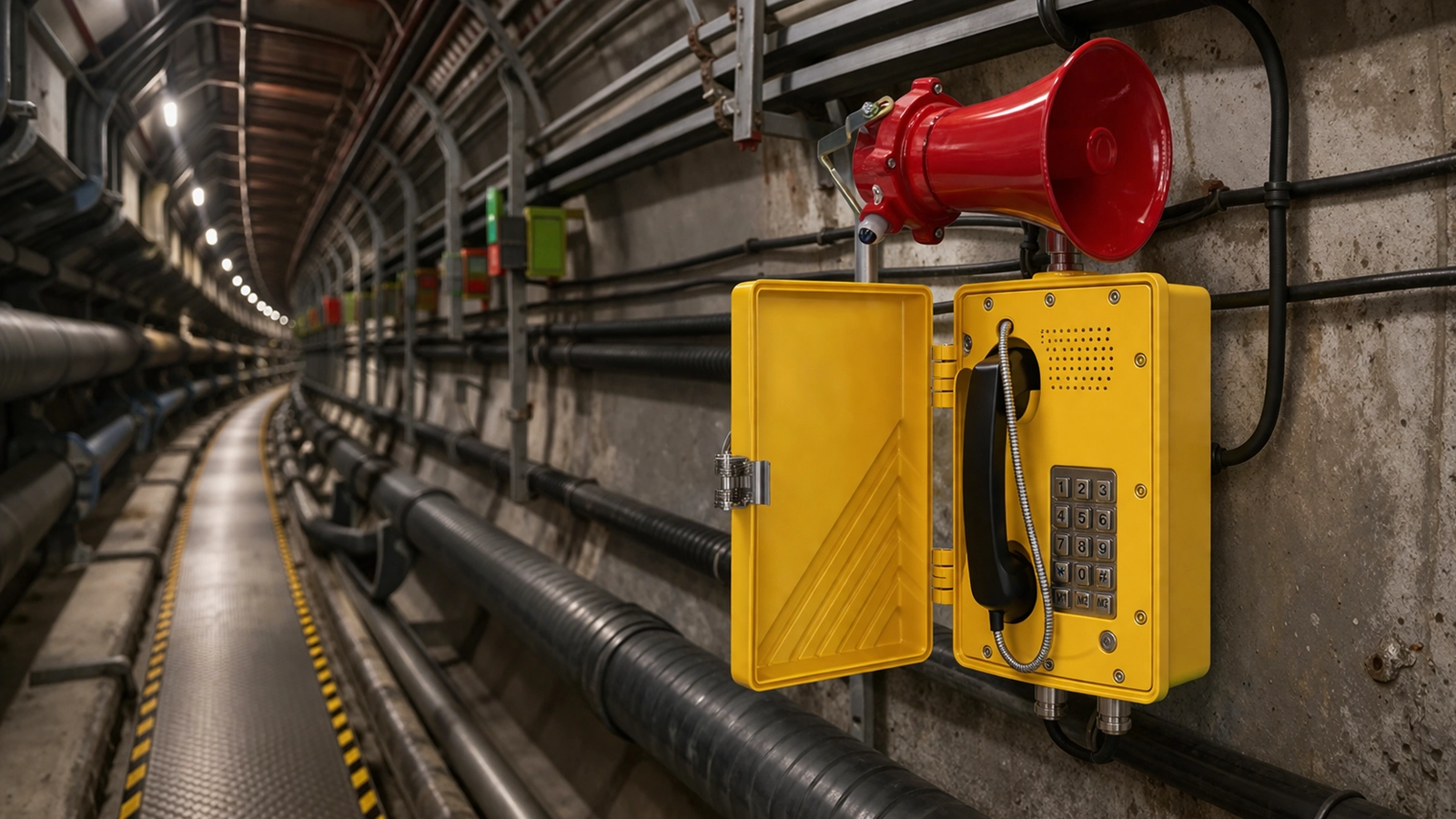
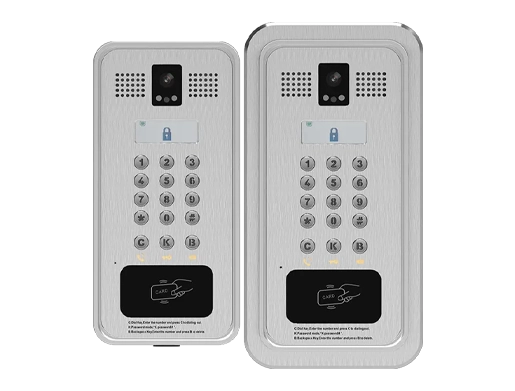
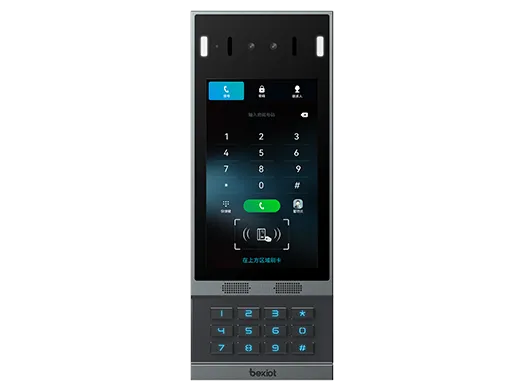
Intercom: Bi12; Fanvil Voice Access Control: BHP-SOS20, BHP-SOS23; Fanvil Gateway: BK-DAB-PA2; Auxiliary Video Phone: BF600S
Prerequisite Preparation Tools
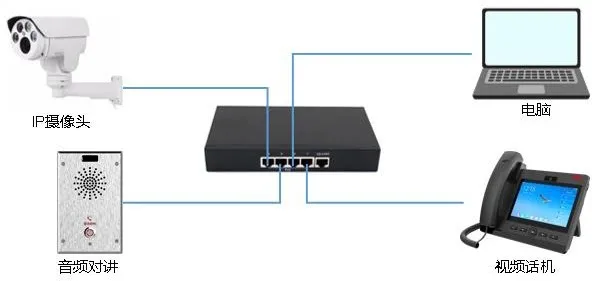
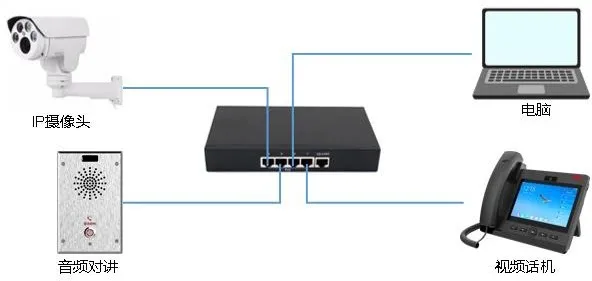
1. One Bi12 intercom, one BF600S video phone, and one IP camera, all connected to a PoE switch to ensure normal network connectivity
2. One debugging computer with network communication to all other devices
Device & Computer Connection Diagram
Camera Information Confirmation and Configuration
Camera IP Configuration
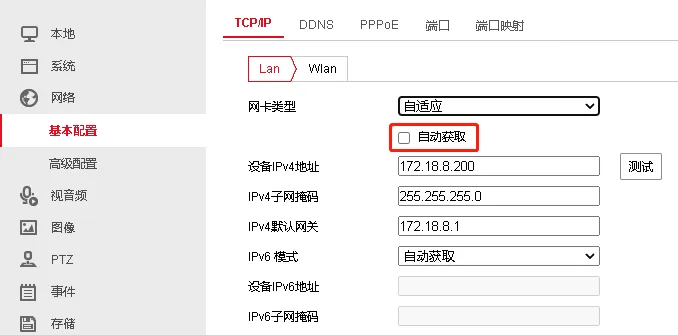
In this application scenario, the IP camera MUST be configured with a static IP address. For specific configuration methods, consult the IP camera manufacturer. Here we take Hikvision cameras as an example:
 <
<
Uncheck the “Auto Obtain” option and enter the IP address manually
Camera Video Stream Configuration
The supported video specifications for the BF600S video phone are: H264 encoding, 1080P resolution or lower; 720P or lower resolution is recommended. Therefore, you need to confirm the stream and resolution used by the camera. Taking Hikvision cameras as an example:
- Confirm whether the stream used is main stream, sub-stream, or third stream
- Confirm the encoding type is H264
- Confirm the stream resolution is less than or equal to the resolution supported by the video phone. In this example, 720P video resolution is used as recommended
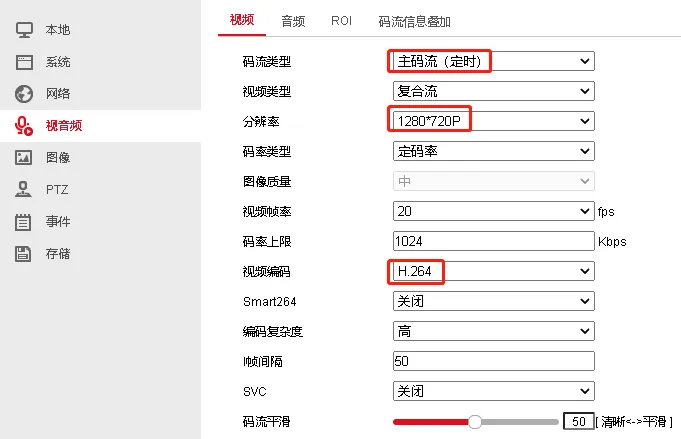
Note: Some video phones only support H264, Base Profile, and VGA resolution. In this case, adjust the camera configuration accordingly. Base Profile corresponds to Low encoding complexity on Hikvision cameras
Camera RTSP URL Confirmation
When configuring the audio intercom to link with a camera, the intercom uses the camera's RTSP URL to retrieve the video stream. The RTSP URL format varies by manufacturer, so you need to consult the camera manufacturer for the correct RTSP URL. Taking Hikvision cameras as an example, the RTSP URL is:
rtsp://admin:Fangwei123@172.18.8.200:554/ISAPI/streaming/channels/101
Where:
- Rtsp is the URL header indicating an RTSP URL
- Admin:Fangwei123 are the username and password for accessing the RTSP URL, usually the same as the camera's web login credentials
- IP address and port are the camera's access address and RTSP port
- 101 indicates main stream, 102 indicates sub-stream, 103 indicates third stream
A list of RTSP URLs for common camera manufacturers is provided in Section 4
Intercom Configuration
Linked Camera Configuration
For intercom and PA devices: Navigate to WEB – Intercom Settings – Video Settings.
For access control devices: Navigate to WEB – Access Control Settings – Video Settings.
For pre-compatible cameras, configure as follows:
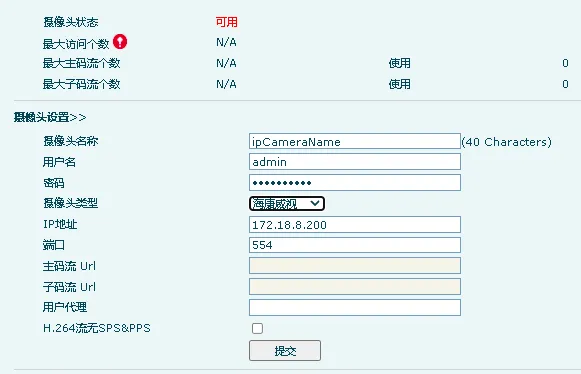 <
<
Username: Username for accessing the RTSP stream (same as the camera's web username)
Password: Password for accessing the RTSP stream (same as the camera's web password)
Select the camera type
IP Address: IP address of the camera
Port: RTSP port of the camera
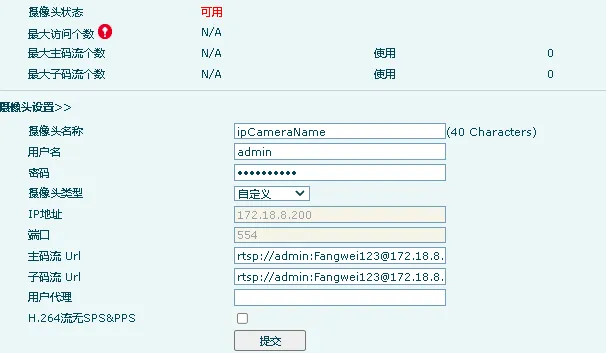
If the linked camera is not in the type list, select Custom and enter the RTSP stream URL. Example formats:
Main Stream: rtsp://admin:Fangwei123@172.18.8.200:554/ISAPI/streaming/channels/101
Sub Stream: rtsp://admin:Fangwei123@172.18.8.200:554/ISAPI/streaming/channels/102
Speed Dial Shortcut Configuration
Shortcuts are used for one-touch calling from the access control/intercom to the IP video phone. Configuration is required before use.
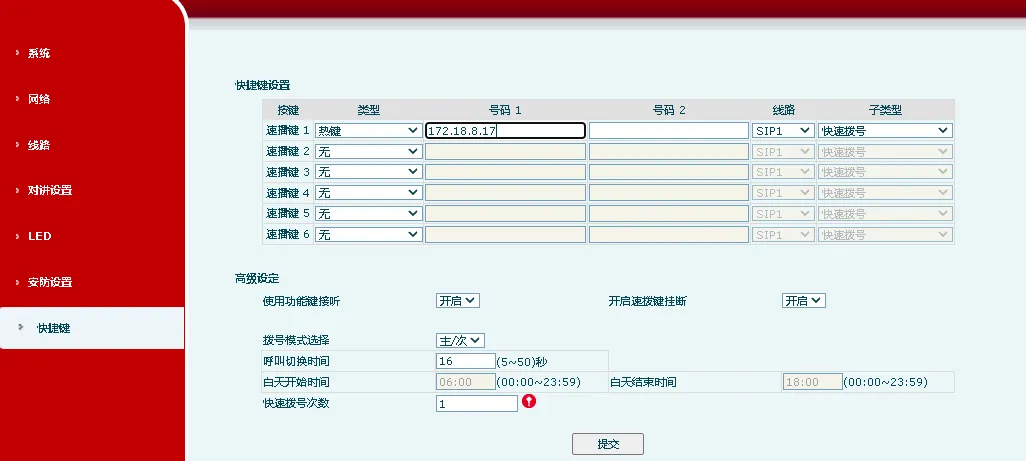
Shortcut Type: Hotkey
Number 1: Called number or IP address
Subtype: Speed Dial
For more call-related configurations, refer to other documentation.
RTSP URLs for Common Camera Manufacturers
Hikvision Cameras:
Main Stream: rtsp://admin:Fangwei123@172.18.8.200:554/ISAPI/streaming/channels/101
Sub Stream: rtsp://admin:Fangwei123@172.18.8.200:554/ISAPI/streaming/channels/102
Where: admin:Fangwei123 are the username and password; 101 = main stream, 102 = sub-stream, 103 = third stream
Dahua Cameras:
Main Stream: rtsp://username:password@ip:port/cam/realmonitor?channel=1&subtype=0
Sub Stream: rtsp://username:password@ip:port/cam/realmonitor?channel=1&subtype=1
Where: username:password are the credentials separated by a colon; subtype=0 = main stream, subtype=1 = sub-stream
XiongMai Cameras:
Main Stream: rtsp://10.6.3.57:554/user=admin&password=&channel=1&stream=0.sdp?
Sub Stream: rtsp://10.6.3.57:554/user=admin&password=&channel=1&stream=1.sdp?