An LED indicator is a small visual signal device that uses a light-emitting diode to show the operating condition of equipment, systems, or circuits. In practical products, it is commonly used to indicate power status, communication activity, alarm conditions, charging state, network link presence, fault warnings, or process conditions. Although the component itself is simple, its role in real systems is important because it turns electrical or logical status into information that people can understand at a glance.
In other words, an LED indicator is not just a lamp that turns on. It is part of a human-machine interface. A green light may mean normal operation, an amber light may suggest a warning, and a red light may point to a fault or urgent attention. A steady light and a blinking light may even mean two different states on the same device. This is why LED indicators appear everywhere, from IP phones and industrial telephones to network switches, control cabinets, gateways, power meters, medical devices, and public safety equipment.

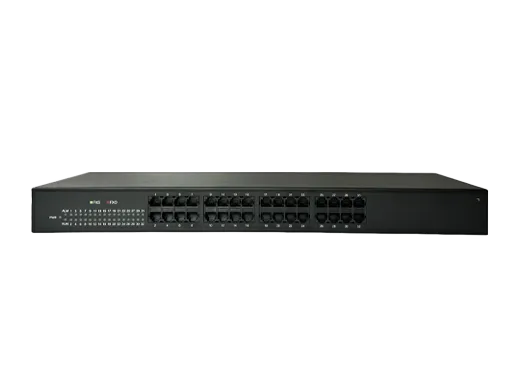
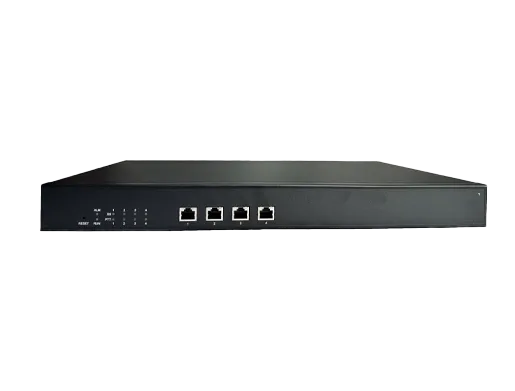
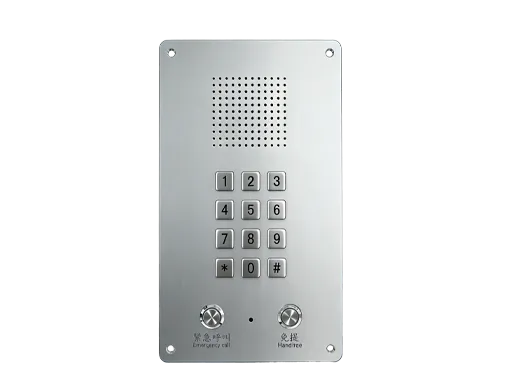
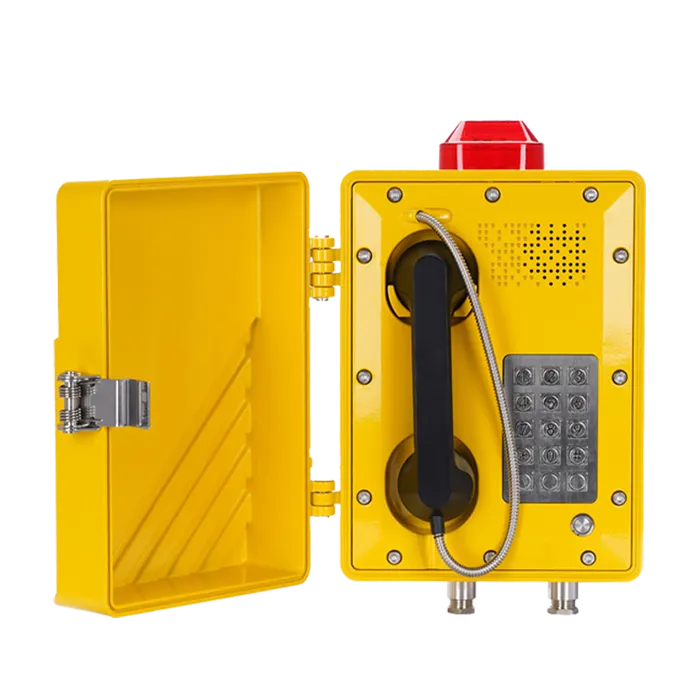
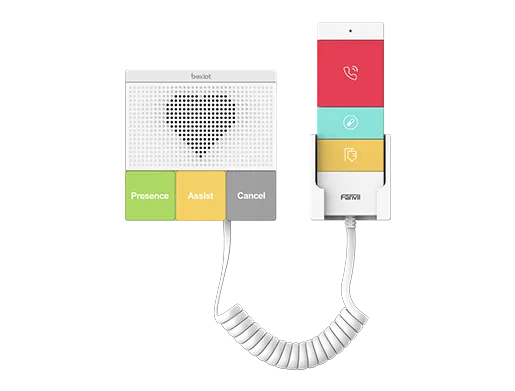
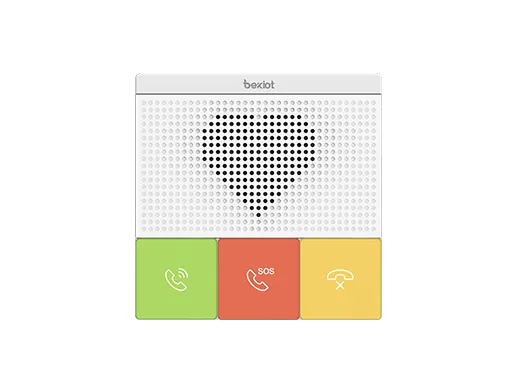
LED indicators are often used on equipment front panels to provide immediate visual feedback for power, communication, and alarm conditions.
What Is an LED Indicator?
An LED indicator is a visual status element built around a light-emitting diode. When electrical current passes through the diode, it emits light. In equipment design, this light is used as a status signal rather than a general illumination source. The indicator may be mounted directly on a printed circuit board, integrated into a panel, placed behind a transparent lens, or embedded in a button, key, or beacon assembly.
The exact meaning of the light depends on the product design. On a network device, an LED may indicate link presence, activity, PoE mode, fan state, or system alarms. On a power meter, it may show heartbeat, communications, or alarm behavior. On a charger, it may show charging, fully charged, or battery fault. On an industrial terminal, it may show emergency call active, network registered, or system fault. The same basic component can therefore support many different interaction models.
Because LED indicators are compact, responsive, and easy to interpret, they have become a standard method for turning hidden device logic into visible operating information. In many cases, they are the first thing a technician checks before using software tools or a multimeter.
How Does an LED Indicator Work?
At the component level, a light-emitting diode produces light when current flows through a semiconductor junction. In an electronic product, the LED is typically driven by a control circuit, microcontroller output, power rail, logic interface, or dedicated driver. The system decides when the indicator should be off, on, blinking, dimmed, or color-switched.
In simple circuits, an LED indicator may directly show whether power is present. In more advanced equipment, firmware controls the LED pattern to reflect internal states. For example, a solid green light may represent normal operation, while blinking green may represent activity. A steady amber light may indicate a minor alarm, and red may indicate a major fault. Some products also use blue, white, or bi-color LEDs for location, pairing, or service modes.
This means the LED indicator acts as the visible endpoint of a larger information path:
- The device detects a condition such as power on, link up, alarm, or I/O activity.
- The control logic maps that condition to an LED state.
- The LED driver energizes the diode in a defined pattern.
- The user interprets that visual signal and responds accordingly.
That simple path is why indicator design matters. If the color scheme, blink logic, or lens visibility is poorly designed, users may misread equipment status. Good indicator design reduces guesswork and improves response speed during operation and maintenance.
Deployment Benefits of LED Indicators
LED indicators are widely deployed not because they are fashionable, but because they solve several practical engineering problems at once. They are visible, efficient, fast, compact, and relatively easy to integrate into both small and large equipment.
1. Fast Visual Feedback
The most obvious benefit is immediate status visibility. A user does not need to log in, open software, or attach test equipment just to know whether a device is powered, connected, charging, alarmed, or faulted. This shortens reaction time and improves usability in offices, industrial sites, transport hubs, and control rooms.
2. Low Power Consumption
LED technology is known for high energy efficiency compared with older incandescent sources. That matters even more in equipment design, where every watt affects thermal performance, power budgeting, battery runtime, or PoE allocation. A status indicator should communicate clearly without creating unnecessary power overhead.
3. Long Service Life
Another major reason LEDs are favored is operating life. Longer life means fewer replacements, less maintenance disruption, and lower service cost over time. In devices deployed in ceilings, roadside cabinets, utility enclosures, offshore sites, or process areas, reducing replacement frequency is a real operational advantage.
4. Small Size and Flexible Integration
LED indicators can be integrated into keys, bezels, front panels, tower lights, emergency buttons, and compact embedded devices. Designers can also use single-color, bi-color, and RGB options depending on how many statuses must be shown in a limited space.
5. Instant Response and Pattern Control
Unlike traditional status lamps that are more limited in behavior, LEDs can be switched quickly and precisely. This allows products to use steady states, pulse patterns, heartbeat flashes, alternating colors, or priority alarm indications. In communication equipment, blinking often conveys activity more effectively than a static label.
6. Lower Heat and Improved Reliability
Because LEDs are efficient and compact, they generally generate less wasted heat than older indicator technologies. In enclosed products, that can help overall thermal design, especially when many status points are present on the same panel.
A good LED indicator does more than light up. It reduces diagnostic time, improves operator confidence, and makes equipment behavior easier to understand in the field.

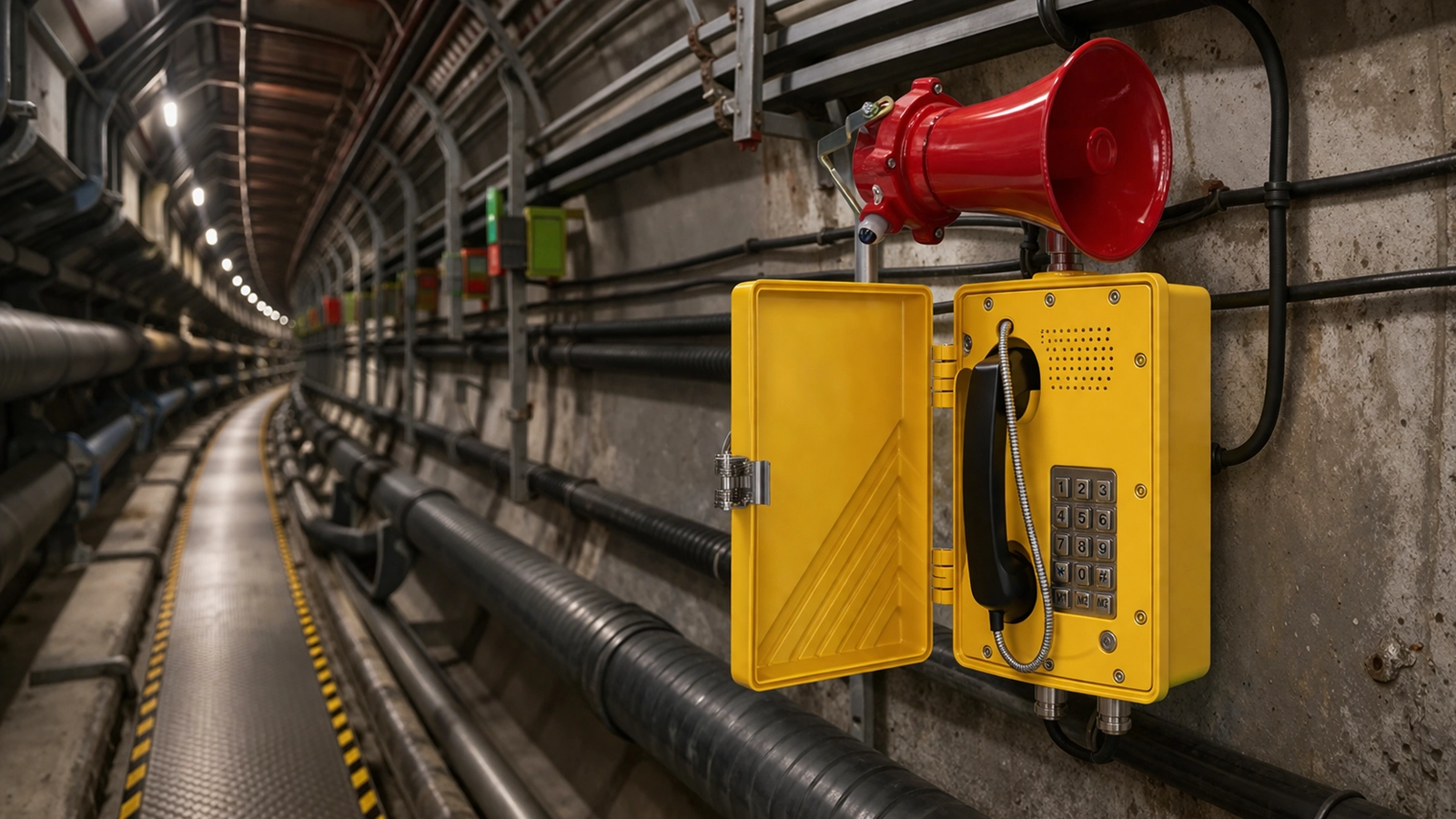
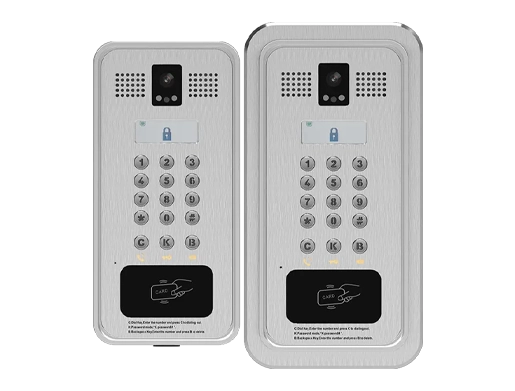
In communication and network equipment, LED indicators often combine color and blinking patterns to distinguish normal operation, activity, warnings, and faults.
Common LED Indicator Functions in Real Equipment
Although LED indicators all look simple from the outside, the information they present can vary widely by product type. Some of the most common uses include:
- Power indication: Shows whether the device is energized and operational.
- Status indication: Shows standby, active, registered, ready, or busy state.
- Alarm indication: Highlights warning, fault, overload, or emergency conditions.
- Communication indication: Shows network link, serial activity, I/O status, or data transfer.
- Charging indication: Shows charging progress, full battery, or charging fault.
- Maintenance indication: Shows service needed, fan issue, drive fault, or module attention.
- Location indication: Helps technicians identify the correct device in racks or cabinets.
In professional equipment, these functions are often standardized within the product family even when they are not universal across the industry. That is why the device manual remains important. Green does not always mean exactly the same thing on every product, and blinking patterns may vary by manufacturer.
Maintenance Tips for LED Indicators
An LED indicator itself is usually simple and durable, but the surrounding system is not always. A light that is off, stuck, too dim, or showing the wrong color may point to issues in power supply, wiring, firmware, driver circuits, sensors, communication modules, or the LED component itself. Good maintenance therefore looks at both the indicator and the system behind it.
Check the Product Manual First
Before assuming an LED has failed, confirm what the color and blink pattern are supposed to mean. In many devices, a blinking amber LED may be normal during startup, configuration, or polling activity. Misreading the status is one of the most common maintenance mistakes.
Inspect Lens, Window, and Mounting Area
Dust, oil mist, chemical residue, moisture, or UV aging can reduce visibility even when the LED is working correctly. In industrial and outdoor environments, clean the indicator lens or front window carefully using methods compatible with the enclosure material.
Verify Power and Control Signals
If the indicator is dark when it should be active, check supply voltage, board connections, driver output, ribbon cables, and I/O state. The problem may not be the LED itself. In digital devices, firmware state or configuration may also suppress the indicator.
Look for Pattern Changes, Not Just On or Off
Technicians should pay attention to blink rate, color change, and sequence. A heartbeat flash, link activity blink, or alarm pulse often carries more meaning than a constant light. Changes in rhythm can be an early warning sign.
Inspect Environmental Conditions
Heat, vibration, water ingress, corrosion, and contamination can affect both the LED and the supporting electronics. If indicators fail repeatedly, the root cause may be enclosure sealing, PCB contamination, unstable power, or thermal stress rather than poor LED quality.
Check Related Modules During Troubleshooting
When a communication LED shows abnormal behavior, also inspect the associated network port, cable, transceiver, I/O module, or controller state. Treat the LED as a symptom source, not the only fault point.
Replace Like for Like
If an indicator module or panel LED must be replaced, match voltage, current, color, viewing angle, mounting style, and environmental rating. Substituting the wrong part may change brightness, mislead operators, or reduce panel protection.
Applications of LED Indicators
LED indicators are used in almost every type of electrical and electronic equipment. Their specific value depends on the application context, but the core purpose remains the same: make machine status visible to people.
Network and Communication Equipment
Switches, routers, IP phones, gateways, SIP terminals, PBX hardware, and wireless devices use LEDs to show power, link, activity, registration, PoE, fan status, storage activity, and alarms. In communication infrastructure, this saves time during installation and fault diagnosis.
Industrial Automation and Control Panels
PLC systems, HMIs, control cabinets, power meters, and process instruments use LEDs for run state, fault state, input/output activity, communication heartbeat, and alarm indication. In noisy or harsh environments, visual signaling is often faster than relying only on sound or screen messages.
Security and Emergency Systems
Emergency phones, intercom stations, alarm panels, access control terminals, and fire or safety devices use LED indicators for armed status, alarm active, call in progress, door release, network health, and system fault. Clear indication helps both users and responders.
Consumer and Office Electronics
Chargers, docking stations, printers, laptops, battery devices, and conferencing equipment use LEDs for power, charging, mute state, wireless pairing, and operating mode. Users often rely on these signals without even realizing it.
Medical and Laboratory Devices
In medical and test equipment, LED indicators can show ready state, active channels, sterilization state, charging condition, and fault alarms. In such settings, clarity and reliability matter because users must make fast decisions.
Transportation and Outdoor Equipment
Traffic control devices, railway equipment, roadside cabinets, EV chargers, and field enclosures use LED indicators because they are visible, compact, and suitable for long service intervals. Here, enclosure design, brightness, and environmental resistance are especially important.
LED Indicator vs Traditional Indicator Lamp
Compared with traditional incandescent indicator lamps, LED indicators are usually chosen for lower power use, longer life, lower heat, faster switching, and easier electronic control. That does not mean every LED indicator is automatically better in every design, but it explains why LEDs have become the default choice in most modern equipment.
For practical equipment design, the decision is often less about "new versus old" and more about system fit. LEDs work well with digital logic, battery-powered products, PoE endpoints, compact enclosures, and modern user-interface expectations. They are also easier to use in multi-state signaling schemes where color and blink patterns matter.
Design Considerations When Deploying LED Indicators
When choosing or integrating LED indicators into a product, designers usually consider more than just color. Important factors include:
- Brightness and visibility under ambient light
- Viewing angle and lens design
- Color meaning consistency across the product family
- Drive current and power budget
- Panel sealing and environmental exposure
- Human factors such as color blindness and interpretation speed
- Maintenance access and replacement method
In critical equipment, indicator logic should also be documented clearly. Operators should not have to guess whether a blinking amber LED means a minor warning, a startup state, or a communications fault.
Conclusion
An LED indicator is one of the smallest components on a device, but it often plays one of the most visible roles. It helps users understand whether a system is powered, healthy, busy, connected, charging, or faulted without opening software tools or dismantling equipment. That is why LED indicators remain essential in communication products, industrial systems, public safety devices, and everyday electronics.
From a deployment perspective, their value comes from low power use, long life, compact size, flexible control, and clear status visibility. From a maintenance perspective, the best results come from reading the device status correctly, inspecting the indicator environment, and diagnosing the full supporting circuit rather than the light alone. When applied well, LED indicators improve usability, reduce downtime, and make equipment behavior easier to understand.
FAQ
Is an LED indicator the same as an LED lamp?
No. Both use light-emitting diodes, but an LED indicator is mainly used to show status or condition, while an LED lamp is usually intended for illumination.
Why are LED indicators widely used in equipment?
They are efficient, compact, long-lasting, easy to control, and effective for immediate visual feedback. These qualities make them suitable for both simple and advanced products.
Can one LED indicator show multiple meanings?
Yes. A single LED can show different meanings through color, blinking pattern, pulse rate, or on/off combinations. The exact interpretation depends on the device design and manual.
What should I check if an LED indicator is not working?
Check the manual first, then inspect power supply, control logic, wiring, lens condition, board connections, and environmental factors. The issue may be upstream of the LED itself.
Are LED indicators suitable for industrial equipment?
Yes, provided the overall design matches the environment. In industrial products, enclosure sealing, visibility, temperature range, vibration resistance, and maintenance access all matter.
Do LED indicators replace software monitoring?
No. They complement software diagnostics. LEDs provide immediate visual status, while software offers deeper detail, logs, and configuration data.